
How to choose the right external storage
Key Features to Look For
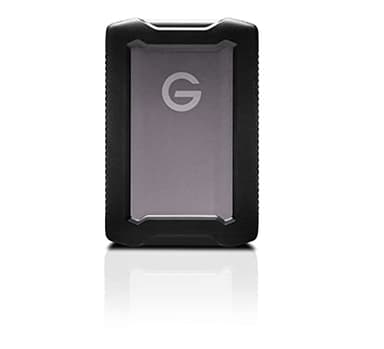
When selecting external storage, prioritize capacity, speed, and connectivity. Capacity, measured in terabytes (TB) or gigabytes (GB), dictates how much data you can store. Speed, often expressed in MB/s, affects how quickly files transfer; SSDs are generally faster than HDDs. Connectivity options like USB-C, USB 3.0, or Thunderbolt impact compatibility and transfer rates. Consider durability features such as shock resistance or water resistance if you plan to use the drive on the go. Security features like hardware encryption can also be important for sensitive data.
Types and Formats
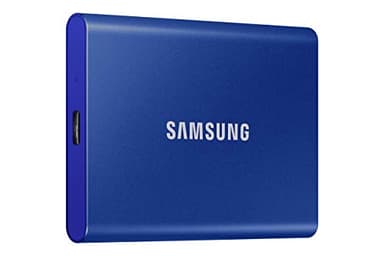
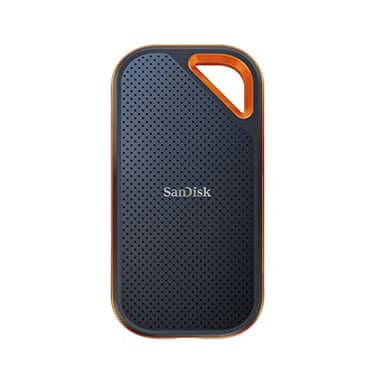
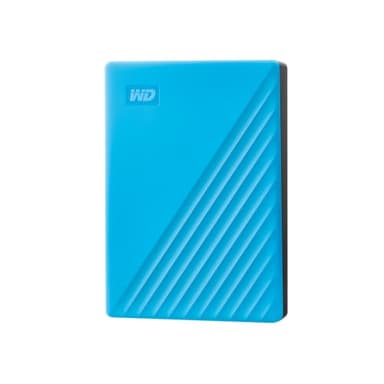
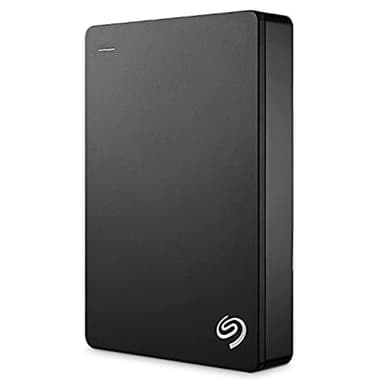
External storage primarily comes in two main types: Hard Disk Drives (HDDs) and Solid State Drives (SSDs). HDDs use spinning platters to store data, offering high capacities at a lower cost per gigabyte, but are slower and more susceptible to physical shock. SSDs use flash memory, providing significantly faster speeds, greater durability, and a more compact form factor, though typically at a higher price point. Portable drives are designed for easy transport, while desktop drives often require external power and offer even larger capacities, sometimes with RAID capabilities.
Sizing and Compatibility
Choosing the right size depends on your data needs. For basic document backups, 1TB might suffice, but for large media files, gaming libraries, or professional work, 2TB to 5TB or more is often recommended. Consider future growth to avoid needing an upgrade too soon. Compatibility is crucial; ensure the drive's connection type (e.g., USB-C, USB-A) matches your computer's ports. Most modern external drives are compatible with both Windows and macOS, though some may require reformatting for optimal use on one system over the other.
Budget Tiers Explained
External storage devices are available across a range of price points. Entry-level options typically include basic HDDs with moderate capacities, suitable for general backups and less frequent use. Mid-range products often feature higher-capacity HDDs or more affordable portable SSDs, balancing speed and storage. High-end external storage usually consists of premium portable SSDs with top-tier transfer speeds, rugged designs, and advanced security features, or very large capacity desktop HDDs for professional-grade storage solutions. Your budget should align with your specific performance and durability requirements.
Common Mistakes to Avoid
A common mistake is underestimating required capacity; always factor in potential future data growth. Another error is neglecting backup strategies; external storage is great, but a single drive isn't a complete backup solution. Don't overlook compatibility with your devices' ports, especially with newer USB-C only laptops. Also, be mindful of the difference between HDDs and SSDs regarding speed and durability; choosing an HDD for frequent, fast data transfers or rough handling can lead to frustration. Finally, always check for included cables and software.
Frequently asked questions
What is the difference between an SSD and an HDD?
SSDs (Solid State Drives) are faster, more durable, and more compact as they use flash memory. HDDs (Hard Disk Drives) are typically more affordable per gigabyte and offer larger capacities but are slower and more fragile due to moving parts.
Do I need an external hard drive if I have cloud storage?
External hard drives offer direct, offline access to your data and can be faster for large file transfers, especially without a strong internet connection. They also provide an additional layer of security and control over your data, complementing cloud solutions.
How do I ensure my external drive is compatible with my computer?
Check the connection type of the external drive (e.g., USB-C, USB 3.0) and compare it to the available ports on your computer. Most modern drives are plug-and-play with Windows and macOS, but some may require reformatting for specific operating systems.
Can I use an external drive for gaming?
Yes, you can use an external drive for gaming, especially an SSD, which can significantly reduce game loading times. For console gaming, ensure the drive meets the console's specific requirements for external storage.
How often should I back up my data to an external drive?
The frequency of backups depends on how often your data changes and its importance. For critical files, daily or weekly backups are recommended. For less frequently updated data, monthly backups might suffice. Always consider a '3-2-1' backup strategy.