
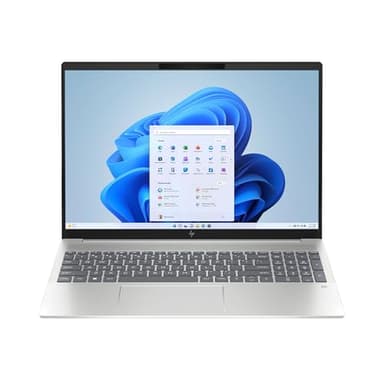


How to choose the right laptops
Types and Formats of Laptops
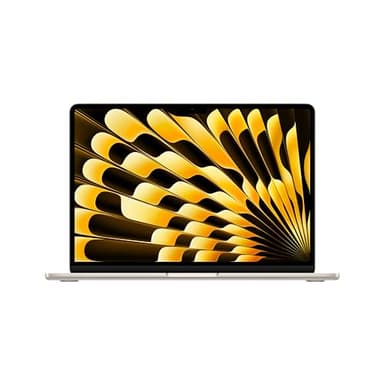
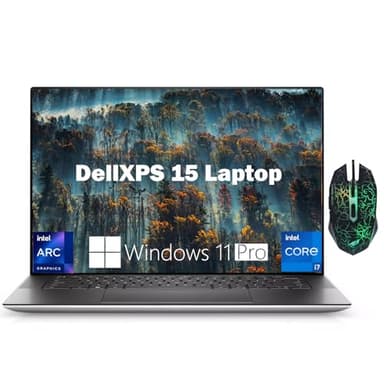
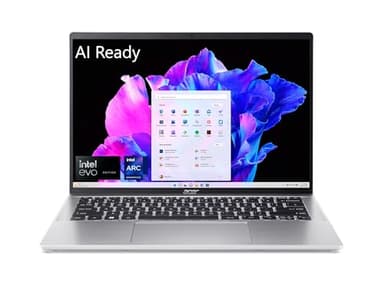
Laptops come in several distinct types, each designed for different user needs. Ultrabooks are known for their thin and light designs, prioritizing portability and battery life, often at a premium. Gaming laptops feature powerful processors and dedicated graphics cards for demanding games, but are typically heavier and have shorter battery life. 2-in-1 laptops offer versatility, converting between a traditional laptop and a tablet, ideal for creative professionals or those who value touchscreens. Workstations are built for intensive tasks like video editing or CAD, boasting high-end components and robust cooling systems. Chromebooks, running on Google's Chrome OS, are lightweight and cloud-centric, perfect for basic tasks and web browsing.
Sizing and Compatibility Considerations
Laptop screen sizes typically range from 11 to 17 inches, measured diagonally. Smaller laptops (11-13 inches) are highly portable, ideal for students or frequent travelers. Mid-sized laptops (14-15 inches) offer a good balance of screen real estate and portability, suitable for most users. Larger laptops (16-17 inches) provide an immersive viewing experience, often favored by gamers or those who work with multiple applications simultaneously, though they are less portable. Consider the physical dimensions and weight if you plan to carry your laptop frequently. Also, ensure compatibility with any specific software or external devices you intend to use.
Understanding Budget Tiers
Laptop prices generally fall into three tiers, each offering different levels of performance and features. Entry-level laptops are typically suitable for basic tasks like web browsing, email, and word processing, often featuring less powerful processors and smaller storage. Mid-range laptops provide a good balance of performance and value, capable of handling more demanding applications, light photo editing, and some casual gaming. Premium or high-end laptops offer top-tier performance, advanced features like OLED screens, robust build quality, and extended battery life, catering to professionals, gamers, and users who require the best specifications available.
Common Mistakes to Avoid
One common mistake is overspending on features you don't need, such as a high-end graphics card for basic office work. Conversely, underspending can lead to frustration if the laptop can't handle your intended tasks. Neglecting to check port availability can be problematic if you rely on specific peripherals. Another pitfall is ignoring battery life if portability is a priority. Always read user reviews regarding build quality and customer support. Finally, don't forget to consider the operating system; ensure it aligns with your software needs and personal preferences.
Frequently asked questions
What's the difference between an SSD and an HDD?
An SSD (Solid State Drive) uses flash memory for storage, making it significantly faster and more durable than an HDD (Hard Disk Drive), which uses spinning platters. SSDs boot up quicker and load applications faster, while HDDs typically offer more storage capacity for a lower cost.
How much RAM do I really need?
For basic tasks like web browsing and email, 8GB of RAM is usually sufficient. If you multitask heavily, do light photo editing, or play casual games, 16GB is recommended. For professional video editing, graphic design, or serious gaming, 32GB or more will provide the best performance.
Is an OLED screen worth the extra cost?
OLED screens offer superior contrast, deeper blacks, and more vibrant colors compared to traditional LCD panels. If you prioritize visual quality for media consumption, creative work, or simply enjoy a premium viewing experience, an OLED screen can be a worthwhile upgrade despite the higher price.
What does a '2-in-1' laptop mean?
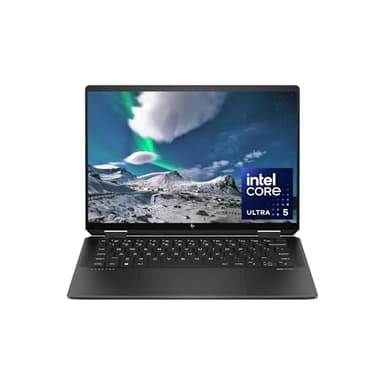
A 2-in-1 laptop is a versatile device that can function as both a traditional laptop and a tablet. They typically feature a touchscreen and a hinge that allows the screen to fold back 360 degrees or detach completely, offering flexibility for different usage scenarios.
Should I get a Windows laptop or a MacBook?
The choice between Windows and MacBook depends on your preferences and needs. Windows offers a wider range of hardware options and software compatibility. MacBooks are known for their user-friendly macOS, strong security, and often superior build quality, particularly favored by creative professionals.