
How to choose the right mice
Key Features to Look For
When selecting a mouse, consider its sensor type, as optical and laser sensors offer different levels of precision and surface compatibility. DPI (dots per inch) indicates sensitivity, with higher numbers often preferred by gamers or those using large monitors. Ergonomics are crucial for comfort during extended use; look for designs that fit your hand size and grip style. Connectivity options, such as wired, 2.4GHz wireless, or Bluetooth, impact portability and latency. Finally, programmable buttons and customizable software can enhance productivity and gaming performance by allowing you to assign specific functions.
Types and Formats
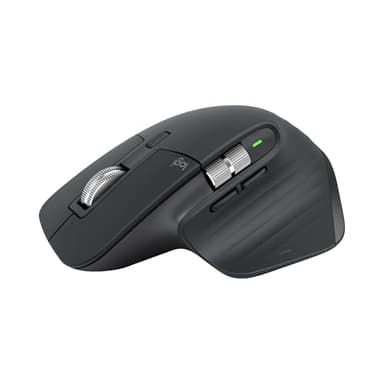
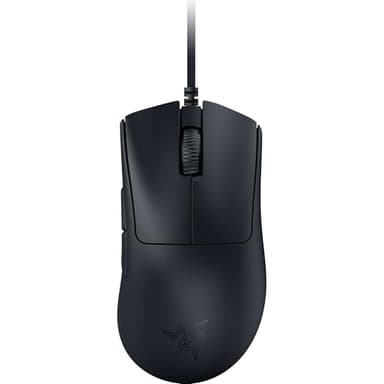
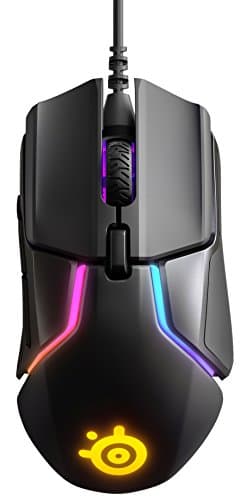
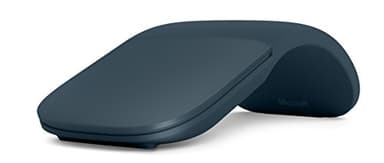
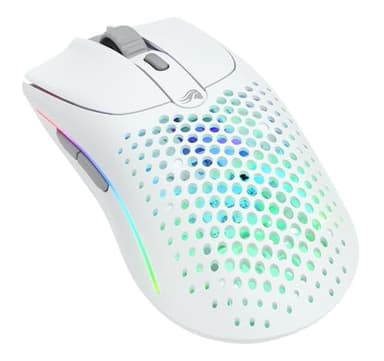
Mice broadly fall into several categories. Standard mice are suitable for everyday tasks and office work, prioritizing comfort and basic functionality. Gaming mice feature high DPI sensors, fast response times, and often extra programmable buttons, designed for competitive play. Ergonomic mice are shaped to reduce strain and promote a natural hand posture, ideal for users with repetitive strain injuries or those who spend long hours at the computer. Travel mice are compact and lightweight, often wireless, making them easy to carry with laptops. Trackball mice offer an alternative input method where the device remains stationary, and a ball is manipulated by the thumb or fingers.
Sizing and Compatibility
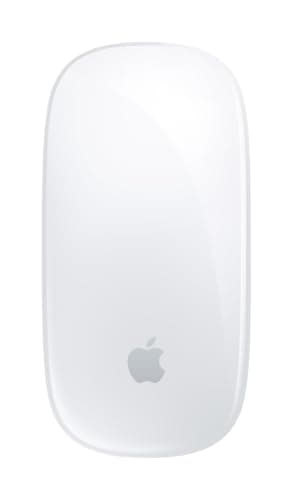
Mouse size and shape are highly personal. Consider your hand size and grip style (palm, claw, or fingertip) to find a mouse that feels comfortable and natural to use. Many manufacturers provide dimensions, which can be helpful. Compatibility is also key; most mice work with Windows and macOS, but specific features or software might be limited on certain operating systems. Ensure the mouse's connectivity type (USB-A, USB-C, Bluetooth) matches your device's ports or capabilities. Some mice are designed specifically for certain ecosystems, like Apple's Magic Mouse for macOS devices.
Budget Tiers Explained
Mice are available across a wide range of price points, generally correlating with features and build quality. Entry-level mice offer basic functionality, suitable for occasional use or simple tasks, and are typically wired or basic wireless models. Mid-range options introduce better sensors, improved ergonomics, and often wireless connectivity with longer battery life or more advanced features like programmable buttons. High-end mice, often geared towards professional use or serious gaming, boast top-tier sensors, premium materials, extensive customization options, and advanced wireless technologies for minimal latency and maximum performance. Your budget should align with your intended use and desired feature set.
Common Mistakes to Avoid
One common mistake is prioritizing aesthetics over ergonomics; an uncomfortable mouse can lead to pain and reduced productivity. Another error is overlooking sensor quality, especially for gaming or precise design work, where a cheap sensor can result in frustrating inaccuracies. Don't assume all wireless mice are equal; latency and battery life vary significantly between models. Forgetting to check compatibility with your operating system or device's ports can also lead to frustration. Finally, neglecting to consider your grip style can result in a mouse that feels awkward or difficult to control, even if it has impressive specs.
Frequently asked questions
What is DPI and how important is it?
DPI (dots per inch) measures how sensitive a mouse is. A higher DPI means the cursor moves further with less physical mouse movement. It's important for tasks requiring precision, like graphic design, or for gamers who need quick, expansive movements across large screens. For general use, a moderate DPI is usually sufficient.
Should I get a wired or wireless mouse?
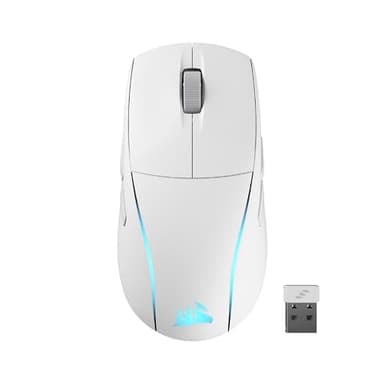
Wired mice offer reliable, lag-free performance and never need battery charging, making them popular for gaming. Wireless mice provide greater freedom of movement and reduce cable clutter. Modern wireless technology, especially 2.4GHz with a USB dongle, offers performance comparable to wired for most users, but requires batteries or charging.
What's the difference between optical and laser sensors?
Optical mice use an LED to illuminate the surface and track movement, working well on most opaque surfaces. Laser mice use an infrared laser, offering higher precision and often working on more challenging surfaces like glass. For most users, either sensor type provides excellent performance, but laser can sometimes be too sensitive for certain tasks.
How important is ergonomics for a mouse?
Ergonomics are very important, especially if you use a mouse for extended periods. A poorly designed mouse can lead to discomfort, strain, or even repetitive strain injuries over time. Look for a mouse that fits your hand size and grip style naturally, promoting a relaxed wrist and arm posture to prevent fatigue and pain.
Can I use a gaming mouse for work?
Yes, you can absolutely use a gaming mouse for work. Many gaming mice offer high precision, customizable buttons, and comfortable designs that can enhance productivity. The high DPI settings can be beneficial for navigating large monitors or detailed software. However, some gaming mice might be overkill or have designs that are less subtle for an office environment.