
How to choose the right monitors
Key Features to Look For
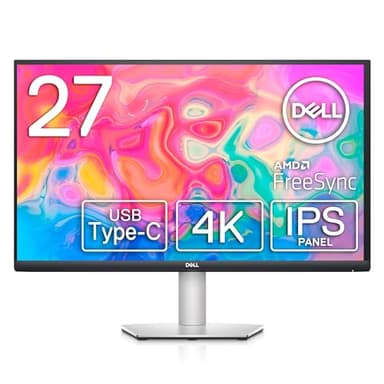
When selecting a monitor, consider resolution (1080p, 1440p, 4K) for image clarity, panel type (IPS for color accuracy, VA for contrast, TN for speed), and refresh rate (Hz) for smooth motion, especially in gaming. Response time (ms) is also crucial for reducing ghosting. Connectivity options like HDMI, DisplayPort, and USB-C determine compatibility with your devices. Ergonomics, such as height adjustment and tilt, contribute to comfort during long use. Finally, look at features like HDR support for enhanced contrast and brightness, and adaptive sync technologies like FreeSync or G-Sync for tear-free gaming.
Types and Formats of Monitors
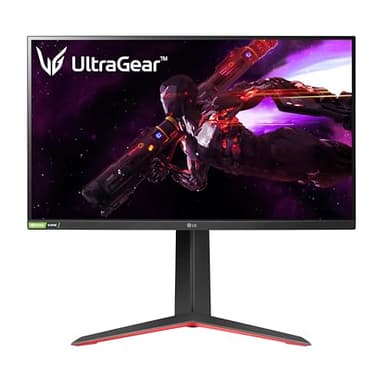
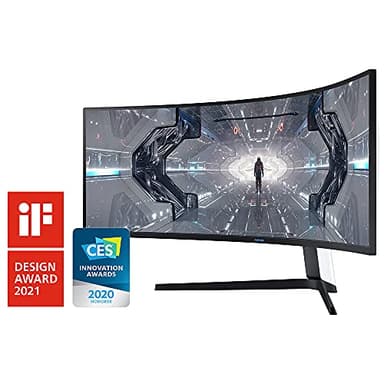
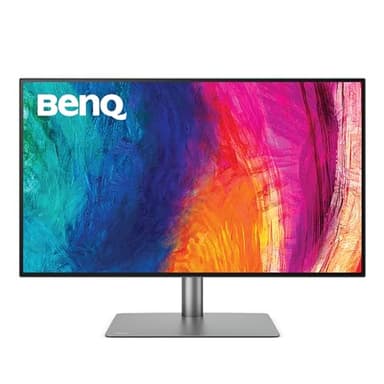
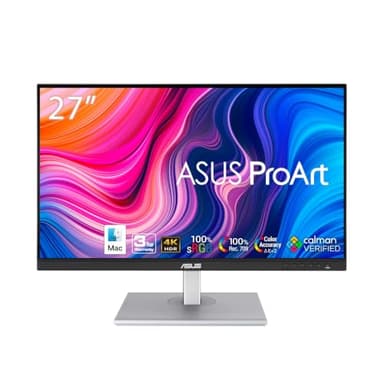
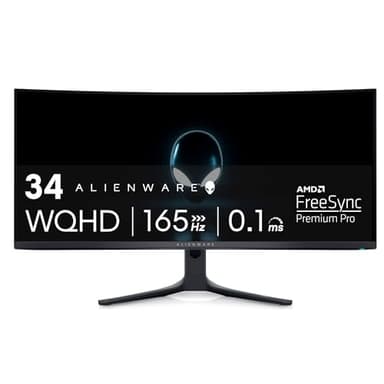
Monitors come in various types tailored for different uses. Gaming monitors prioritize high refresh rates and low response times, often featuring adaptive sync. Professional monitors, like those for graphic design or video editing, focus on color accuracy, wider color gamuts, and higher resolutions. General-purpose monitors offer a balance of features for everyday tasks. Screen formats include flat panels, which are standard, and curved monitors, which can offer a more immersive experience, particularly for larger screens or ultrawide aspect ratios. Ultrawide monitors provide more horizontal screen real estate, beneficial for multitasking or immersive gaming.
Sizing and Compatibility
Monitor size is measured diagonally in inches, with common sizes ranging from 24 to 34 inches and beyond. Consider your desk space and viewing distance; a larger monitor might require you to sit further back. Resolution should also scale with size to maintain pixel density. For compatibility, ensure the monitor has the necessary input ports (HDMI, DisplayPort, USB-C) to connect to your computer or other devices. Check if your graphics card can support the monitor's resolution and refresh rate, especially for high-resolution or high-refresh-rate displays, to get the most out of your purchase.
Budget Tiers Explained
Monitor prices vary significantly based on features and performance. Entry-level monitors typically offer standard 1080p resolution, basic panel types, and lower refresh rates, suitable for general office work or casual use. Mid-range options often include higher resolutions like 1440p, better panel technology (IPS), and moderate refresh rates, appealing to mainstream gamers and professionals. High-end monitors feature 4K resolution, advanced panel types like OLED or QD-OLED, very high refresh rates, premium features like Thunderbolt connectivity, and superior color accuracy, targeting serious gamers, content creators, and professionals requiring top-tier performance.
Common Mistakes to Avoid
One common mistake is prioritizing size over resolution; a large monitor with low resolution can result in a pixelated image. Another is overlooking panel type, which significantly impacts color reproduction and viewing angles. Gamers sometimes neglect refresh rate and response time, leading to a less fluid experience. For professionals, ignoring color accuracy can lead to inaccurate work. Also, ensure your computer's graphics card can handle the monitor's capabilities; a high-end monitor paired with an underpowered GPU won't perform optimally. Finally, don't forget to check for ergonomic adjustments to prevent discomfort during long usage periods.
Frequently asked questions
What is the best resolution for a monitor?
The 'best' resolution depends on your use case. 1080p is good for general use and gaming on a budget. 1440p offers a sharper image and is popular for gaming and productivity. 4K provides the most detail, ideal for professional work and media consumption, but requires more powerful hardware.
What is the difference between IPS, VA, and TN panels?
IPS panels offer excellent color accuracy and wide viewing angles, great for creative work. VA panels provide superior contrast and deeper blacks, good for media. TN panels are the fastest with the lowest response times, making them ideal for competitive gaming, though with poorer color and viewing angles.
How important is refresh rate for gaming?
Refresh rate is very important for gaming. A higher refresh rate (e.g., 144Hz or 240Hz) means the screen updates more times per second, resulting in smoother motion and a more responsive feel, which can be a significant advantage in fast-paced games.
Should I get a curved monitor?
Curved monitors can offer a more immersive viewing experience, especially with larger screens or ultrawide aspect ratios, as they wrap the image around your field of view. They can also reduce eye strain by keeping all parts of the screen equidistant from your eyes. However, they might not be ideal for precise graphic design work.
What connectivity ports should I look for?
Look for HDMI and DisplayPort, as these are standard for video input. DisplayPort generally supports higher refresh rates and resolutions. USB-C is increasingly common, offering video, data, and power delivery through a single cable, which is very convenient for laptops. USB-A ports on the monitor can act as a hub.