
How to choose the right printers
Key Features to Look For
When selecting a printer, consider print speed (pages per minute), print quality (resolution in DPI), and connectivity options like Wi-Fi, Ethernet, or USB. Automatic duplex printing saves paper by printing on both sides. An automatic document feeder (ADF) is crucial for scanning or copying multiple pages efficiently. Also, evaluate ink or toner costs, as these can significantly impact long-term ownership expenses. For multifunctionality, look for scan, copy, and fax capabilities if needed.
Types and Formats of Printers
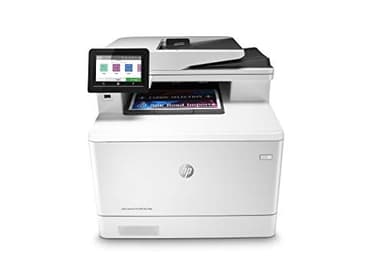
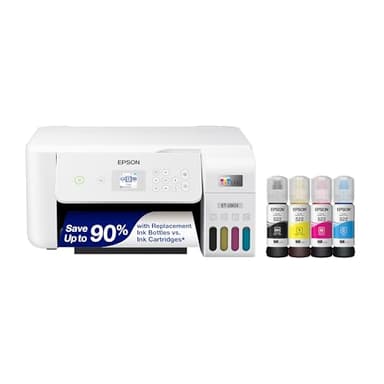
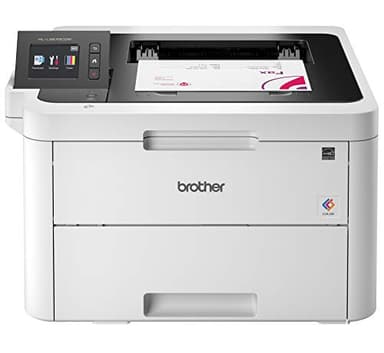
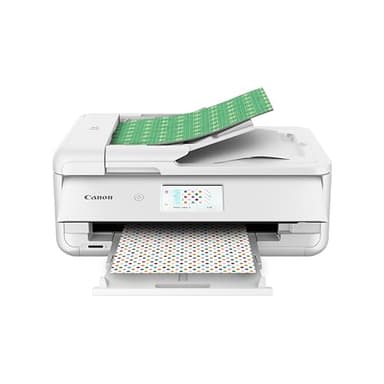
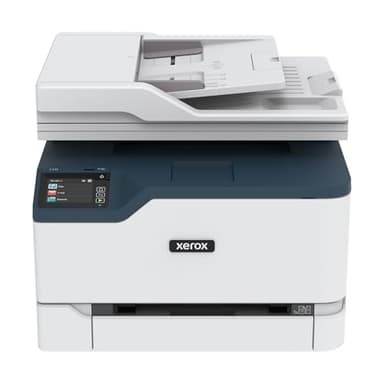
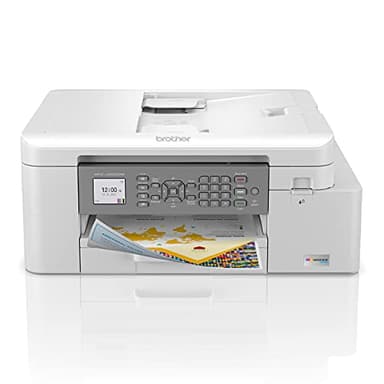
Printers primarily come in two main types: inkjet and laser. Inkjet printers use liquid ink and are generally better for printing photos and offer vibrant colors, often at a lower initial cost. Laser printers use toner powder and excel at printing crisp text quickly, making them ideal for high-volume document printing. Within these types, you'll find single-function printers that only print, and all-in-one (multifunction) printers that also scan, copy, and sometimes fax, offering versatility for various tasks.
Sizing and Compatibility
Printer size varies greatly, from compact models suitable for small desks to larger units designed for office environments. Measure your available space before buying. Compatibility refers to how well the printer works with your devices. Most modern printers support Windows, macOS, and Linux, and offer mobile printing via apps for iOS and Android. Check for specific operating system requirements and wireless standards (e.g., Wi-Fi Direct, Apple AirPrint) to ensure seamless integration with your existing tech.
Budget Tiers Explained
Printer budgets typically fall into three tiers. Entry-level printers are usually inkjets, suitable for light, occasional use, focusing on basic printing. Mid-range printers offer a balance of features, speed, and print quality, often including wireless connectivity and multifunction capabilities, appealing to home offices. High-end printers, which can be either advanced inkjets or laser models, provide faster speeds, higher print volumes, superior quality, and advanced features like large paper capacities and robust network options, ideal for demanding users or small businesses.
Common Mistakes to Avoid
A common mistake is focusing only on the initial purchase price without considering the ongoing cost of ink or toner, which can quickly exceed the printer's cost. Another error is buying a printer with more features than you need, or conversely, one that lacks essential functions like duplex printing or an ADF. Neglecting to check compatibility with your operating system or network setup can lead to frustration. Finally, underestimating your print volume can result in choosing a printer not designed for your usage, leading to frequent maintenance or early replacement.
Frequently asked questions
What's the difference between inkjet and laser printers?
Inkjet printers use liquid ink and are generally better for photos and vibrant colors. Laser printers use toner powder and excel at fast, crisp text documents, making them ideal for high-volume office tasks.
Are all-in-one printers worth it?
All-in-one printers combine printing, scanning, and copying (and sometimes faxing) into one device. They save space and can be more cost-effective than buying separate machines, making them very convenient for home and small office use.
How can I reduce printer ink costs?
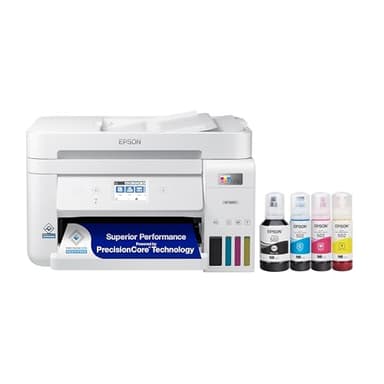
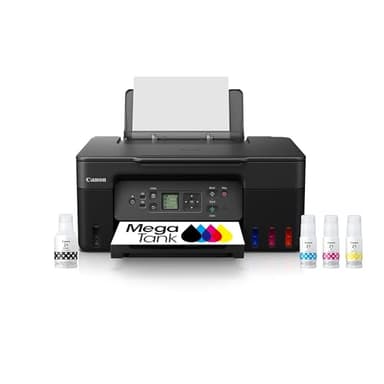
To reduce ink costs, consider printers with refillable ink tanks (like EcoTank or MegaTank models) or those using high-yield cartridges. Printing in draft mode or grayscale when color isn't essential also helps conserve ink.
What is duplex printing?
Duplex printing is the ability of a printer to automatically print on both sides of a sheet of paper. This feature helps save paper, reduces environmental impact, and is very convenient for creating professional-looking documents.
Do I need a wireless printer?
A wireless printer offers convenience by allowing you to print from multiple devices (computers, smartphones, tablets) without physical cables. If you have multiple users or prefer printing from mobile devices, a wireless printer is highly recommended.