
How to choose the right security cameras
Key Features to Look For
When selecting a security camera, prioritize features that align with your monitoring goals. High-resolution video, often 1080p or 4K, is crucial for clear identification. Night vision capabilities, whether infrared or color, ensure visibility in low-light conditions. Two-way audio allows for communication with visitors or deterring intruders. Motion detection with customizable zones and sensitivity helps reduce false alerts. Consider local or cloud storage options for recorded footage, and look for smart home integration if you have other connected devices.
Types and Formats
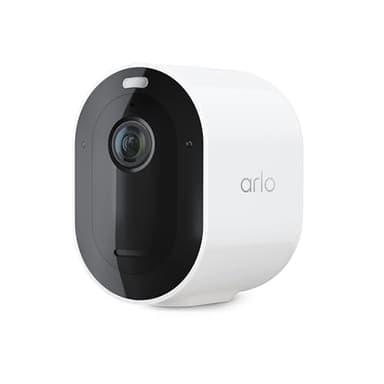
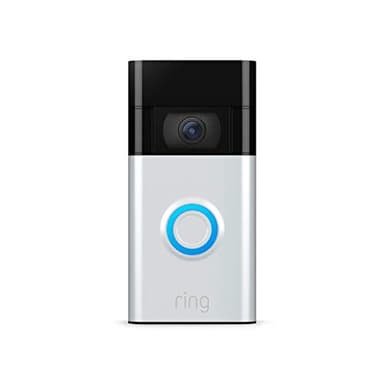
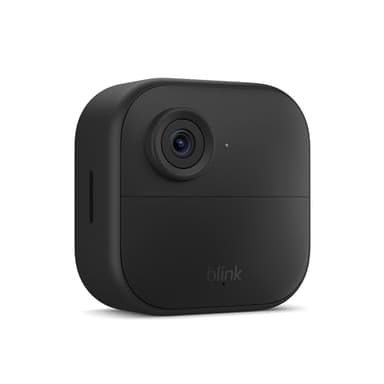
Security cameras come in various types, each suited for different applications. Wireless cameras offer flexible placement and are often battery-powered, ideal for renters or temporary setups. Wired cameras provide a more stable connection and continuous power, often preferred for permanent installations. Doorbell cameras integrate a camera with your doorbell, offering a view of your entryway and package deliveries. Floodlight cameras combine a powerful light with a camera, serving as both a deterrent and a monitoring device. PTZ (Pan-Tilt-Zoom) cameras offer remote control over the camera's view, covering larger areas.
Sizing or Compatibility
Security camera 'sizing' primarily refers to their physical footprint and how discreet or prominent they are, but compatibility is a more critical factor. Ensure the camera's power source (battery, wired, solar) suits your installation location. Check for compatibility with your existing Wi-Fi network (2.4GHz vs. 5GHz) and smart home ecosystem (e.g., Alexa, Google Assistant). If you're building a system, ensure all cameras can be managed through a single app or platform for ease of use. Consider weather resistance ratings (IP ratings) for outdoor cameras to ensure they can withstand local climate conditions.
Budget Tiers Explained
Security cameras generally fall into three budget tiers. Entry-level options typically offer basic 1080p resolution, essential motion detection, and often rely on cloud storage subscriptions. Mid-range cameras introduce higher resolutions like 2K, improved night vision, two-way audio, and more advanced motion sensing, sometimes with local storage options. Premium cameras boast 4K resolution, advanced AI features like facial recognition, robust local storage, professional monitoring options, and seamless integration with comprehensive smart home systems. Your budget should align with the level of features and security coverage you require.
Common Mistakes to Avoid
A common mistake is overlooking network requirements; ensure your Wi-Fi signal is strong enough where cameras are placed, especially for wireless models. Another error is neglecting storage options, leading to lost footage or unexpected subscription costs. Don't forget about privacy; position cameras carefully to avoid monitoring public spaces or neighbors' properties without consent. Underestimating installation complexity can also lead to frustration; some systems require professional setup. Finally, failing to regularly check battery levels or internet connectivity can compromise your security coverage when you need it most.
Frequently asked questions
Do security cameras require a subscription?
Many security cameras offer optional cloud storage subscriptions for recorded video footage and advanced features like AI-powered alerts. While some provide limited free local storage or basic live viewing without a subscription, a paid plan often unlocks the full potential of the device, including longer video history and smart notifications.
Can I install security cameras myself?
Yes, many modern security cameras, especially wireless and battery-powered models, are designed for easy DIY installation. They typically come with user-friendly apps and clear instructions. However, wired systems or those requiring complex routing of cables might benefit from professional installation to ensure optimal performance and aesthetics.
What's the difference between 1080p and 4K cameras?
The main difference is resolution. 1080p (Full HD) cameras offer good clarity, while 4K (Ultra HD) cameras provide four times the pixel count, resulting in significantly sharper images and more detail, especially when zooming in. 4K footage requires more storage and bandwidth, so consider your internet speed and storage needs.
How do outdoor cameras handle different weather conditions?
Outdoor security cameras are built to withstand various weather conditions. Look for an IP (Ingress Protection) rating, which indicates resistance to dust and water. Higher IP ratings, like IP65 or IP66, mean the camera is more resilient to rain, snow, and extreme temperatures, ensuring reliable operation year-round.
Do security cameras work without Wi-Fi?
Most modern security cameras rely on Wi-Fi for live viewing, alerts, and cloud storage. However, some models, particularly those with local storage (like an SD card or NVR/DVR), can still record footage even without an active internet connection. You just won't be able to access live feeds or receive remote notifications until Wi-Fi is restored.