
How to choose the right tablets
Key Features to Look For
When choosing a tablet, consider the operating system first, as it dictates app availability and user experience. Screen size and resolution are crucial for visual quality and portability; a larger, higher-resolution screen is better for media consumption and detailed work. Processor speed impacts overall performance and multitasking capabilities. Battery life is also a significant factor, especially if you plan to use your tablet on the go. Storage capacity determines how many apps, photos, and files you can keep, so assess your needs carefully. Finally, connectivity options like Wi-Fi, cellular, and Bluetooth are important for staying connected and using accessories.
Types and Formats of Tablets
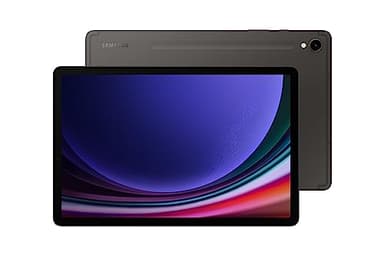
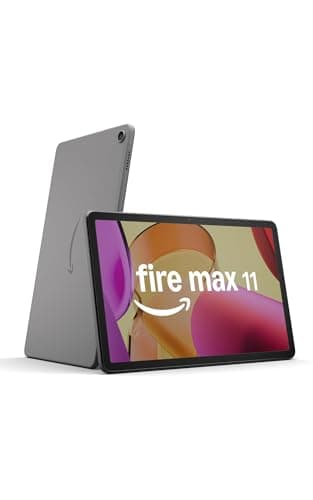
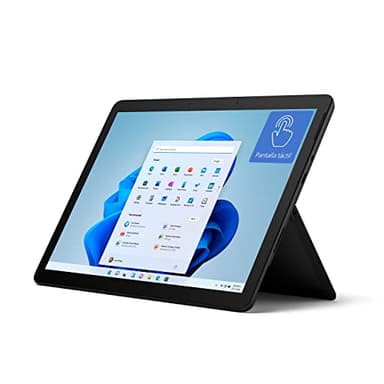
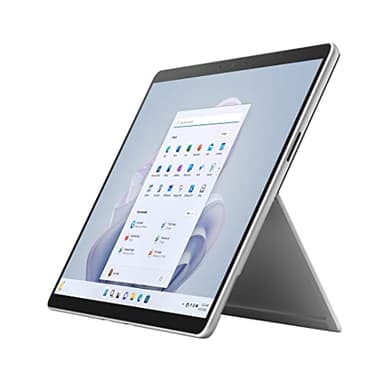
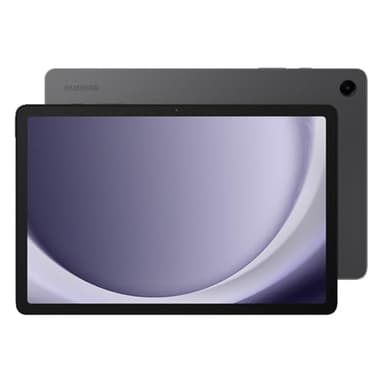
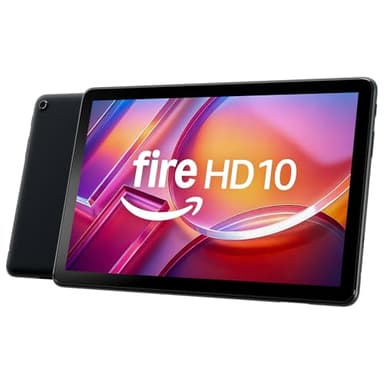
Tablets generally fall into a few main categories. Standard tablets, like many iPads and Galaxy Tabs, are primarily touch-screen devices designed for media consumption, browsing, and light productivity. Then there are 2-in-1 tablets, such as the Microsoft Surface line, which often come with detachable keyboards and stylus support, blurring the line between a tablet and a laptop, making them ideal for productivity. E-readers, while technically tablets, are specialized for reading with e-ink displays. Smaller, more budget-friendly tablets, like the Amazon Fire series, are excellent for basic entertainment and smart home control. Each type offers a distinct balance of features and portability.
Sizing and Compatibility Considerations
Tablet screen sizes typically range from 7 inches to over 13 inches. Smaller tablets are highly portable and great for reading or casual gaming, while larger tablets offer a more immersive viewing experience and better multitasking for productivity. Consider how and where you'll use your tablet most often. Compatibility is also key, especially if you plan to use accessories like styluses, keyboards, or external monitors. Ensure the tablet supports the accessories you need and integrates well with your existing ecosystem, whether it's Apple, Android, or Windows, for seamless file sharing and app synchronization.
Understanding Tablet Budget Tiers
Tablet prices vary significantly, generally reflecting their features and performance. Entry-level tablets are usually more affordable and suitable for basic tasks like web browsing, email, and streaming. Mid-range options offer a good balance of performance, display quality, and features for everyday use and some light productivity. High-end tablets represent the premium tier, featuring powerful processors, stunning displays, advanced cameras, and often support for professional accessories. These are designed for demanding tasks, creative work, and users who prioritize top-tier performance and a premium experience. Your budget should align with your primary intended use.
Common Mistakes to Avoid
One common mistake is underestimating storage needs; apps and media can quickly fill up a tablet, so consider a model with ample internal storage or expandable options. Another error is neglecting the ecosystem; if you already own many Apple or Android devices, sticking with the same ecosystem can offer better integration. Don't overlook display quality; a low-resolution screen can detract from the viewing experience, especially for media. Lastly, avoid buying a tablet solely based on price without considering its intended use. A cheap tablet might not meet your needs for demanding tasks, leading to dissatisfaction.
Frequently asked questions
What is the main difference between an iPad and an Android tablet?
The primary difference lies in their operating systems: iPads run Apple's iPadOS, known for its user-friendly interface and strong app ecosystem, while Android tablets use Google's Android OS, offering more customization and a wider range of hardware options from various manufacturers.
Can I use a tablet for work or school?
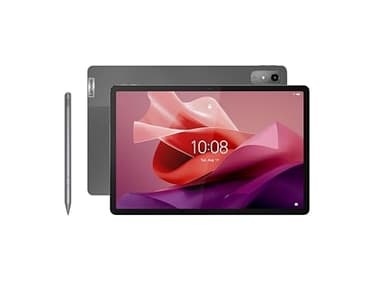
Absolutely. Many modern tablets, especially those with accessories like detachable keyboards and stylus support, are highly capable for productivity tasks, note-taking, presentations, and accessing educational content. Their portability makes them ideal for on-the-go learning and working.
Do I need cellular connectivity on my tablet?
Cellular connectivity is only necessary if you need internet access when Wi-Fi is unavailable, such as during commutes or in areas without public hotspots. If you primarily use your tablet at home, work, or places with Wi-Fi, a Wi-Fi-only model is sufficient and more affordable.
What screen size is best for a tablet?
The best screen size depends on your usage. Smaller tablets (7-9 inches) are great for portability and reading. Mid-sized (10-11 inches) offer a good balance for media and light work. Larger tablets (12+ inches) are ideal for productivity, drawing, and immersive entertainment, often serving as laptop alternatives.
How important is battery life for a tablet?
Battery life is very important, especially if you plan to use your tablet for extended periods away from a power source. A longer battery life means less frequent charging and more uninterrupted use for tasks like streaming movies, working, or gaming on the go.