
How to choose the right webcams
Key Features to Look For
When selecting a webcam, consider resolution and frame rate first. 1080p at 30fps is a good baseline for most, but 1080p at 60fps or 4K offers smoother, more detailed video for streaming or professional use. Autofocus is crucial for maintaining sharpness if you move during calls. A wide field of view (FOV) is useful for showing more of your background or multiple people, while a narrower FOV focuses on you. Built-in microphones vary greatly in quality; external mics often provide superior audio. Look for automatic light correction to ensure you're well-lit even in challenging environments.
Types and Formats
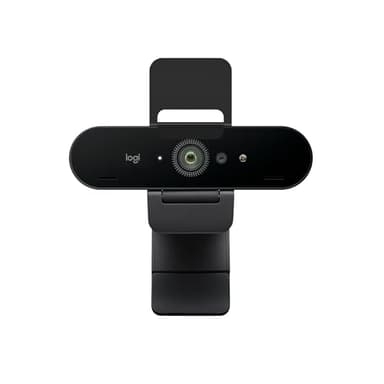
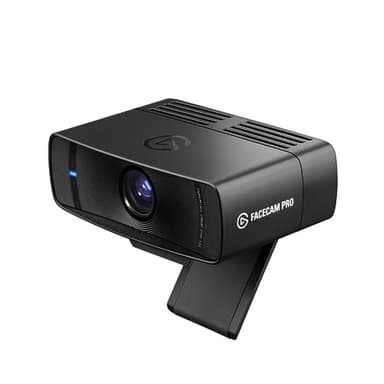
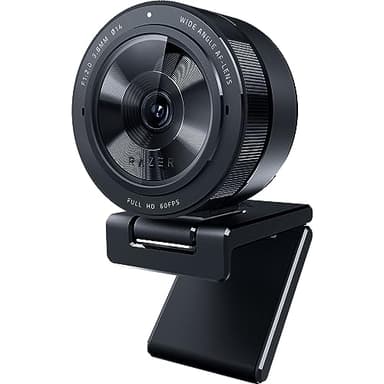
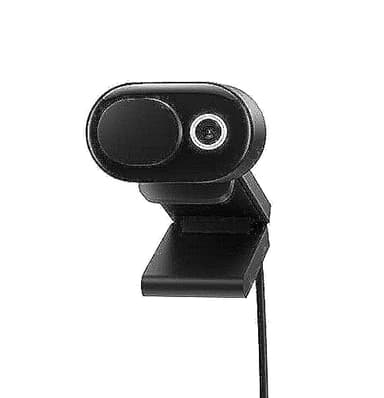
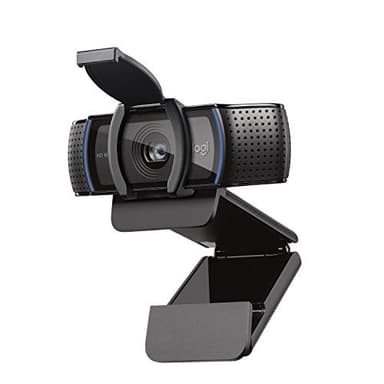
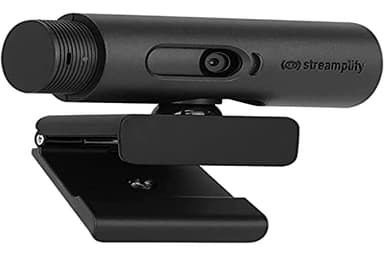
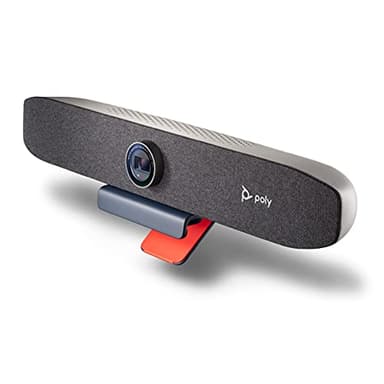
Webcams primarily come in two formats: standalone and integrated. Standalone webcams offer greater flexibility in placement and generally superior image quality compared to those built into laptops. Within standalone options, you'll find traditional clip-on models that attach to monitors, and more advanced 'video bars' that integrate a camera, microphone, and sometimes speakers into a single unit. These video bars are increasingly popular for home offices and small meeting spaces, providing an all-in-one solution for enhanced video conferencing and content creation. Some webcams also offer privacy shutters for peace of mind.
Sizing and Compatibility
Most webcams are designed to be universally compatible with Windows and macOS operating systems, connecting via a standard USB port (USB-A or USB-C). Check the product specifications for any specific driver requirements, though many are plug-and-play. Physical size and mounting options are also important. Standard webcams typically clip onto the top of a monitor or can be mounted on a tripod. Larger video bars might require more desk space or a dedicated mounting solution. Ensure the cable length is sufficient for your setup, especially if your computer is not directly next to your monitor.
Budget Tiers Explained
Webcam prices generally fall into three tiers. Entry-level webcams offer basic 720p or 1080p resolution at 30fps, suitable for casual video calls. Mid-range options typically provide 1080p at 60fps, improved low-light performance, and better autofocus, catering to regular video callers and aspiring streamers. High-end webcams often feature 4K resolution, advanced AI-powered framing, premium optics, and integrated high-quality audio solutions, designed for professional content creators, serious streamers, and executive-level video conferencing. The jump in quality and features is usually noticeable with each tier.
Common Mistakes to Avoid
One common mistake is neglecting lighting; even the best webcam struggles in poor light, so consider adding a small key light. Another error is overlooking audio quality; a great picture with bad sound detracts from your presence. Don't assume a higher price always means the best fit for you; evaluate features against your actual needs. Forgetting about privacy is also a mistake; always ensure your webcam has a physical or digital privacy cover if that's a concern. Finally, ensure your internet connection can handle the resolution and frame rate you intend to use, especially for 4K streaming.
Frequently asked questions
Do I need a 4K webcam?
For most standard video calls, 1080p is perfectly sufficient. A 4K webcam is beneficial for professional content creation, high-quality streaming, or if you want the absolute sharpest image for detailed presentations, provided your internet connection can support it.
Are built-in laptop webcams good enough?
While convenient, built-in laptop webcams often offer lower resolution, poor low-light performance, and inferior microphones compared to external webcams. An external webcam is a worthwhile upgrade for better video and audio quality in virtual meetings or streaming.
What is a field of view (FOV) and why does it matter?
Field of view refers to how much of the scene your webcam can capture. A wider FOV (e.g., 90 degrees) is good for showing more of your room or including multiple people. A narrower FOV (e.g., 60-70 degrees) is better for focusing solely on you, minimizing distractions.
Should I get a webcam with a built-in microphone?
Many webcams include microphones, which are convenient for basic use. However, for superior audio quality, especially for streaming or professional calls, an external USB microphone or a dedicated headset is generally recommended over a webcam's built-in mic.
How do I improve my webcam's image quality?
Good lighting is the most impactful factor. Position a light source in front of you, not behind. Ensure your background is tidy and uncluttered. If your webcam has software, adjust settings like exposure, white balance, and sharpness. A stable internet connection also helps maintain image quality.