


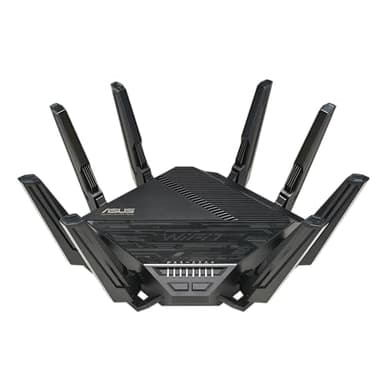
How to choose the right wifi routers
Key Features to Look For
When selecting a WiFi router, prioritize features that align with your internet usage. WiFi standards like WiFi 6 (802.11ax), WiFi 6E, and the newer WiFi 7 offer improved speeds, efficiency, and capacity, especially in congested environments. Consider the number of bands (dual-band, tri-band, quad-band) for better device management and reduced interference. Look for features like MU-MIMO and OFDMA for handling multiple devices simultaneously. Ethernet port speeds (Gigabit, 2.5Gbps, 10Gbps) are crucial for wired connections. Advanced security protocols and parental controls are also important for a safe network.
Types and Formats of WiFi Routers
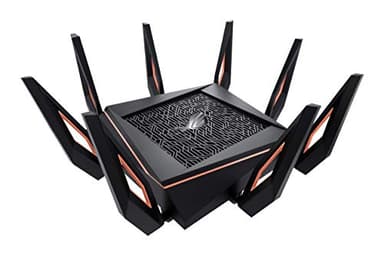
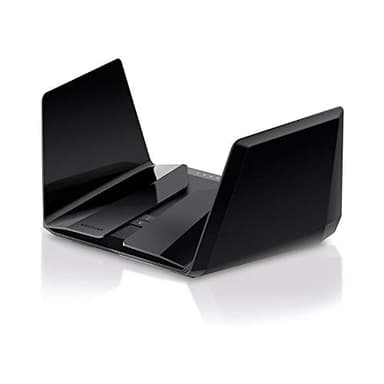
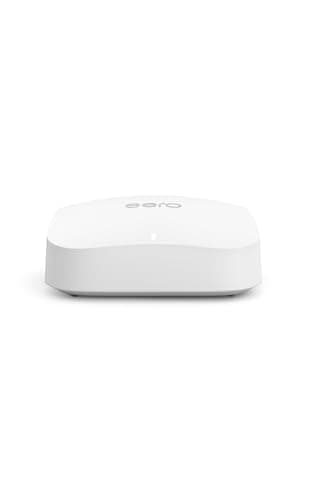
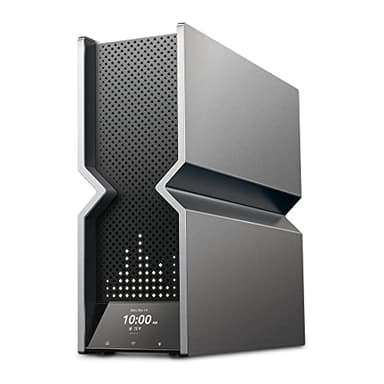
Traditional standalone routers are suitable for smaller homes or those with fewer devices, offering a central point for network access. Mesh WiFi systems, on the other hand, are designed for larger homes or areas with dead zones. These systems use multiple units to create a seamless, whole-home WiFi network, extending coverage without sacrificing speed. Gaming routers often feature specialized hardware and software to prioritize gaming traffic, reduce latency, and offer advanced customization options. Consider your home's size and layout, as well as the number of devices you need to connect, when choosing a format.
Sizing and Compatibility Considerations
Router sizing isn't about physical dimensions, but rather its capacity to cover your space and handle your devices. For apartments or small homes (under 1500 sq ft), a single mid-range router might suffice. Medium homes (1500-3000 sq ft) often benefit from a more powerful single router or a basic mesh system. Large homes (over 3000 sq ft) or those with multiple floors typically require a robust mesh system. Ensure the router is compatible with your internet service provider's modem and your internet plan's speed to fully utilize its capabilities.
Understanding Budget Tiers
WiFi routers are available across a wide range of price points, generally reflecting their performance and feature sets. Entry-level routers offer basic connectivity suitable for light internet use in smaller spaces. Mid-range options provide better speeds, broader coverage, and more advanced features like parental controls and guest networks, ideal for most households. High-end and premium routers, including advanced mesh systems and gaming-specific models, deliver top-tier performance, extensive coverage, and cutting-edge technologies like WiFi 6E or WiFi 7, catering to demanding users and large homes with many connected devices.
Common Mistakes to Avoid
A common mistake is choosing a router based solely on price without considering your actual needs. Underestimating the coverage required for your home size can lead to dead zones and frustration. Neglecting to update your router's firmware is another pitfall, as updates often include security patches and performance improvements. Placing your router in a hidden or obstructed location can significantly degrade signal strength. Finally, overlooking security features like strong passwords and WPA3 encryption leaves your network vulnerable to unauthorized access and potential data breaches.
Frequently asked questions
What is the difference between WiFi 6, WiFi 6E, and WiFi 7?
WiFi 6 (802.11ax) offers faster speeds and better efficiency than previous standards. WiFi 6E extends this by adding a new 6GHz band, reducing congestion. WiFi 7 (802.11be) is the latest standard, promising even higher speeds, lower latency, and improved capacity through advanced technologies like MLO.
Do I need a mesh WiFi system?
You might need a mesh WiFi system if you have a large home, multiple floors, or experience WiFi dead zones with a single router. Mesh systems use multiple units to create a unified network, providing consistent coverage throughout your entire space.
How important are the number of antennas on a router?
The number of antennas can indicate a router's ability to transmit and receive multiple data streams simultaneously (MIMO technology). More antennas generally mean better signal strength, coverage, and performance, especially in homes with many connected devices or complex layouts.
Can my old devices connect to a new WiFi 6 or WiFi 7 router?
Yes, new WiFi 6 and WiFi 7 routers are backward compatible with older WiFi standards (like WiFi 5/802.11ac or WiFi 4/802.11n). Your older devices will connect, but they won't be able to take advantage of the newer, faster speeds and efficiencies offered by the latest WiFi standards.
Where is the best place to put my WiFi router?
For optimal performance, place your WiFi router in a central location in your home, elevated off the floor, and away from obstructions like walls, large appliances, or metal objects. Avoid placing it near other electronics that could cause interference, such as cordless phones or microwaves.