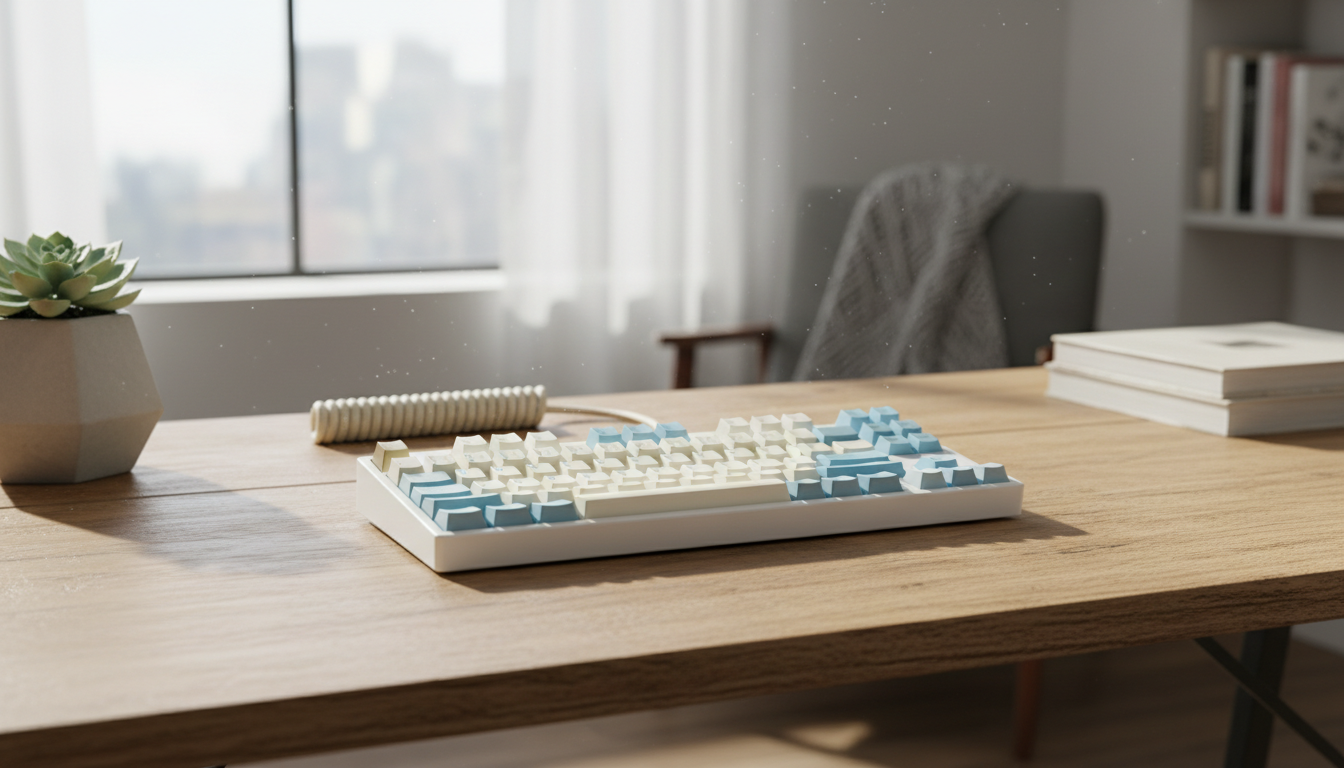
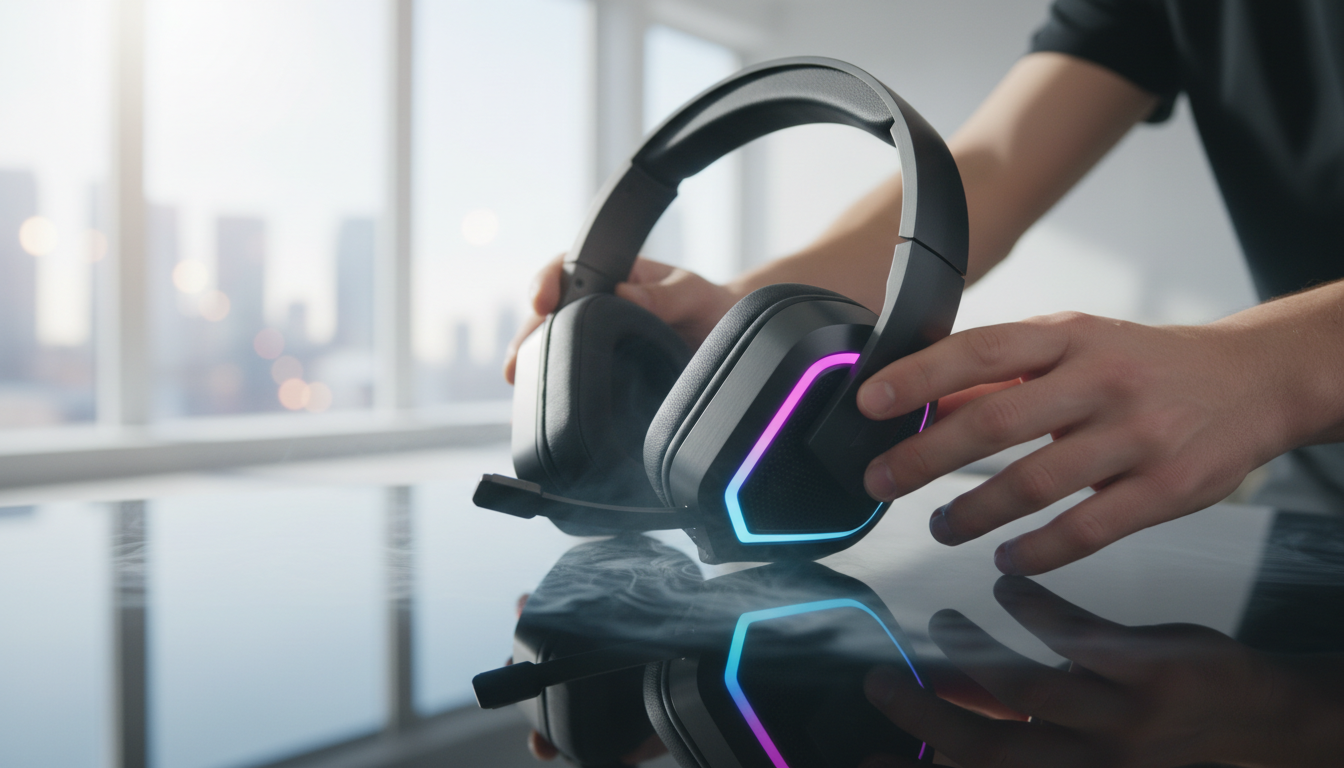
Find the best mechanical keyboard for your perfect typing experience
By the BetteReview editorial team · July 24, 2026
As an Amazon Associate, BetteReview earns from qualifying purchases. This doesn't change the price you pay.
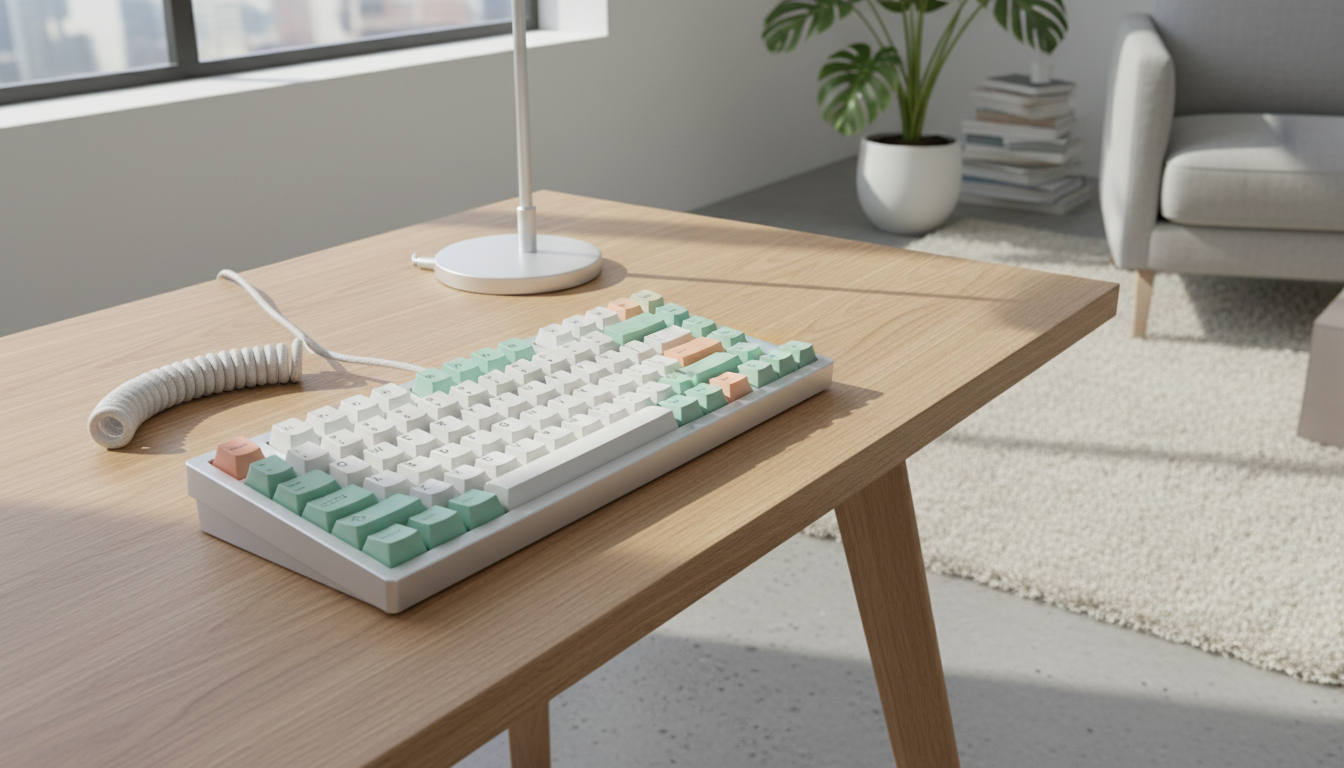
Why Choosing the Right Mechanical Keyboards
In an age where digital interaction dominates our work and leisure, the humble keyboard remains one of our most direct interfaces with technology. Many users, however, settle for the standard membrane keyboards that come bundled with computers or are the cheapest option available. These often offer a soft, indistinct feel, leading to slower typing speeds, increased errors, and even hand fatigue during extended use. The lack of tactile feedback can make typing feel like a chore rather than an intuitive extension of your thoughts.
Imagine a typing experience where each keystroke is registered with a satisfying click or a distinct tactile bump, providing immediate confirmation of actuation. This is the promise of a mechanical keyboard. Designed with individual switches under each keycap, mechanical keyboards offer unparalleled durability, a customizable feel, and a level of precision that membrane keyboards simply cannot match. For anyone who spends significant time at a computer, investing in a mechanical keyboard isn't just about aesthetics; it's about enhancing productivity, reducing strain, and truly enjoying the act of typing.
What to Look For
When diving into the world of mechanical keyboards, the sheer variety can be overwhelming. However, focusing on a few core criteria can significantly narrow down your choices and lead you to the ideal device. The most critical aspect is the switch type. Mechanical switches come in three main categories: linear, tactile, and clicky. Linear switches (like Cherry MX Red or Gateron Yellow) offer a smooth, consistent keystroke without any tactile bump or audible click, often favored by gamers for their rapid actuation. Tactile switches (like Cherry MX Brown or Gateron Brown) provide a noticeable bump halfway through the keystroke, giving feedback without a loud click, making them popular for typists who appreciate confirmation. Clicky switches (like Cherry MX Blue or Gateron Blue) combine the tactile bump with an audible click, offering the most feedback, though they can be noisy for shared environments.
Beyond switches, consider the build quality and materials. A robust mechanical keyboard will often feature a metal or heavy plastic chassis, preventing flex and adding to the overall durability. Keycaps are another crucial component; PBT keycaps are generally more durable and resistant to shine compared to ABS keycaps, though ABS can offer more vibrant color options. Think about form factor and layout: full-size (104 keys), tenkeyless (TKL, 87 keys without the number pad), 60%, or even smaller layouts. Your choice here depends on your available desk space and whether you frequently use a number pad. Finally, features like RGB backlighting, programmability for macros, and connectivity options (wired, wireless via 2.4GHz dongle, or Bluetooth) should align with your specific usage needs and aesthetic preferences. Remember, a higher price doesn't always guarantee the "best" keyboard; it's about finding the one that best suits your individual typing style and workflow.
The Results: Top Mechanical Keyboards Worth Considering
Based on extensive product specifications and recurring verified-buyer feedback, certain types of mechanical keyboards consistently stand out for different user profiles. For those seeking a balanced experience suitable for both typing and gaming, keyboards featuring **tactile switches** often receive high praise. These offer a satisfying feedback loop without the potentially disruptive noise of clicky switches, making them versatile for various environments. Many users report improved typing accuracy and reduced fatigue with such keyboards, highlighting their ergonomic benefits. Brands known for consistent quality in this category often feature durable PBT keycaps and robust chassis, contributing to a premium feel and long-term reliability. To explore options in this versatile category, you can start your search here: Check on Amazon" target="_blank" rel="nofollow noopener">Check on Amazon
For the dedicated gamer prioritizing speed and responsiveness, **linear switch keyboards** are frequently recommended. The smooth, uninterrupted travel of these switches allows for rapid, repeated key presses, which is crucial in fast-paced gaming scenarios. Verified buyers often commend the instantaneous actuation and lack of resistance, contributing to a competitive edge. These keyboards often come with advanced features like high polling rates, full N-key rollover, and customizable RGB lighting to enhance the gaming aesthetic and functionality. When looking for a gaming-focused mechanical keyboard, consider those built with a sturdy frame to withstand intense gaming sessions.
Lastly, for users who prioritize a compact desk setup or require ultimate portability, **60% or 65% form factor keyboards** with wireless connectivity options are highly regarded. These smaller layouts cleverly condense essential keys, often relying on function layers for less frequently used commands. Buyer feedback frequently highlights their space-saving design and clean aesthetic. While they might require a short adjustment period for some users, the benefits of a minimalist setup and freedom from cables are often cited as major advantages. Many of these compact keyboards also offer hot-swappable switch sockets, allowing for future customization without soldering. To browse compact mechanical keyboard options, click here: Check on Amazon" target="_blank" rel="nofollow noopener">Check on Amazon
Common Buying Mistakes
One of the most common mistakes buyers make is prioritizing aesthetics over functionality, particularly regarding switch type. Many are drawn to vibrant RGB lighting or a sleek design but fail to consider whether the underlying switches align with their primary use case. A clicky switch, while satisfying for some, can be a distraction in an office environment, just as a heavy linear switch might not be ideal for a light-touch typist. Another frequent misstep is overlooking the importance of keycap material and legends. Cheap ABS keycaps can wear down and become shiny quickly, diminishing the typing experience over time. Always consider the long-term durability and feel of the keycaps, as they are your most direct point of contact with the keyboard.
Finally, neglecting to consider connectivity options and form factor can lead to buyer's remorse. Opting for a full-size keyboard when desk space is limited, or choosing a wired-only model when wireless freedom is desired, are common pitfalls. Similarly, some users forget to check for software compatibility for macro programming or RGB customization, which can be a key feature for personalized workflows. Always evaluate your specific needs – desk space, portability, and software preferences – before making a final decision.
Final Verdict
Choosing the best mechanical keyboard is a personal journey, but by understanding switch types, build quality, and form factors, you can make an informed decision that will significantly enhance your daily computing. Don't settle for a subpar typing experience; invest in a mechanical keyboard that matches your needs and preferences. For a wide selection and competitive pricing, we recommend exploring the options available on Amazon: Check on Amazon" target="_blank" rel="nofollow noopener">Check on Amazon. As an Amazon Associate, we earn from qualifying purchases.