Find Your Best Mechanical Keyboard: A Comprehensive Guide
By the BetteReview editorial team · August 13, 2026
As an Amazon Associate, BetteReview earns from qualifying purchases. This doesn't change the price you pay.
Why Choosing the Right Mechanical Keyboards
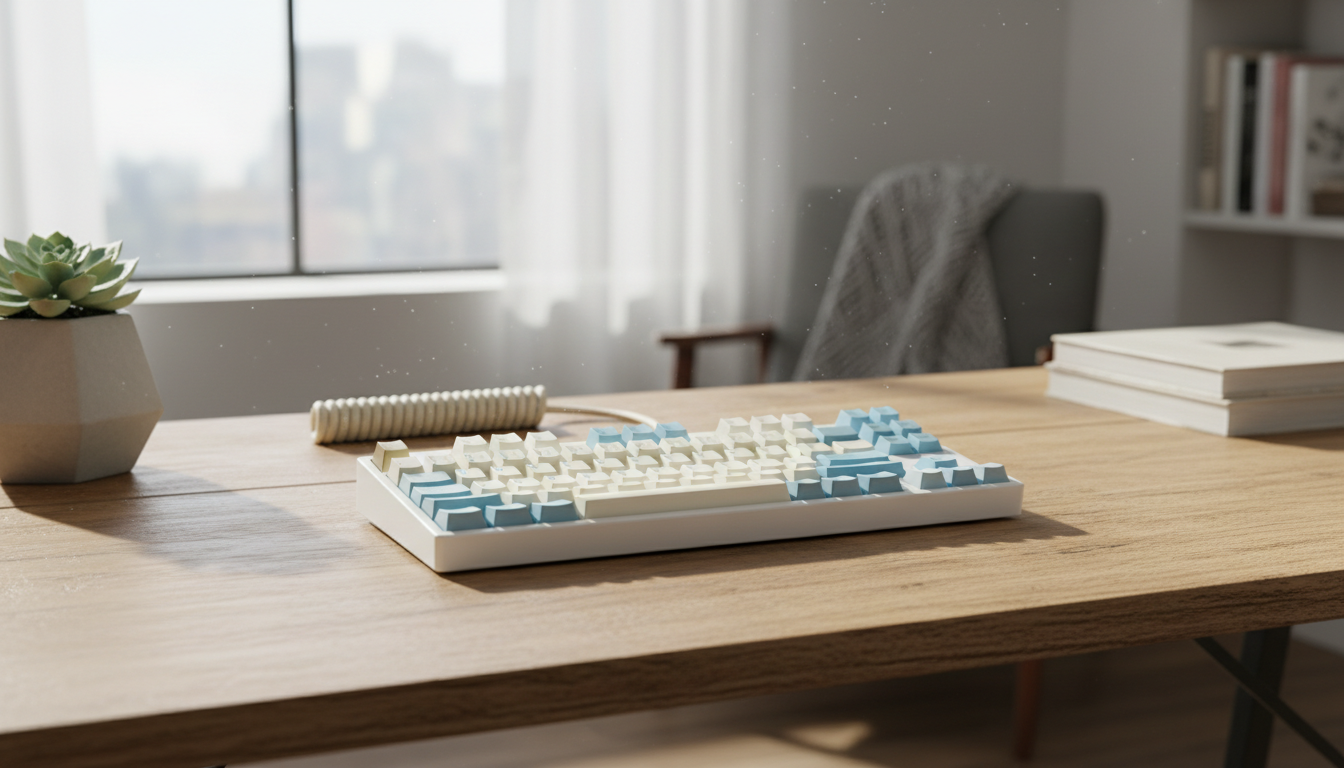
In an age where much of our work and leisure time revolves around computers, the keyboard remains one of our most direct interfaces. Yet, many of us settle for the generic, often mushy, membrane keyboards that come bundled with our systems or are found in the budget aisle. This oversight can lead to a less-than-satisfying experience, impacting everything from typing speed and accuracy to overall comfort and even the sheer enjoyment of interacting with your digital world. The tactile feedback, audible click, and robust construction of a mechanical keyboard offer a stark contrast, providing a more engaging and responsive interaction.
The difference is not just aesthetic; it's functional. Imagine the crisp, satisfying "thock" or "click" with every keystroke, confirming your input without having to bottom out the key. This distinct feedback can reduce typing fatigue, improve precision, and even enhance gaming performance by ensuring every command is registered cleanly. For many, once they switch to a mechanical keyboard, there's no going back to the squishy feel of traditional membrane alternatives. Understanding the nuances of these devices is the first step toward unlocking a superior computing experience.
What to Look For
When diving into the world of mechanical keyboards, several key specifications and recurring user feedback points should guide your decision. The most critical component is the switch type. Mechanical switches, unlike membrane switches, have individual springs and housings for each key. They come in three main categories: linear, tactile, and clicky. Linear switches (like Cherry MX Red or Gateron Yellow) offer a smooth, consistent keystroke without any bump or click, often favored by gamers for rapid double-taps. Tactile switches (e.g., Cherry MX Brown, Gateron Brown) provide a noticeable bump halfway through the keypress, signaling actuation without an audible click, making them popular for typists who appreciate feedback. Clicky switches (like Cherry MX Blue, Gateron Blue) combine the tactile bump with an audible click, offering a highly satisfying, typewriter-like experience, though they can be loud for shared environments. User reviews consistently highlight the importance of matching the switch type to personal preference and intended use.
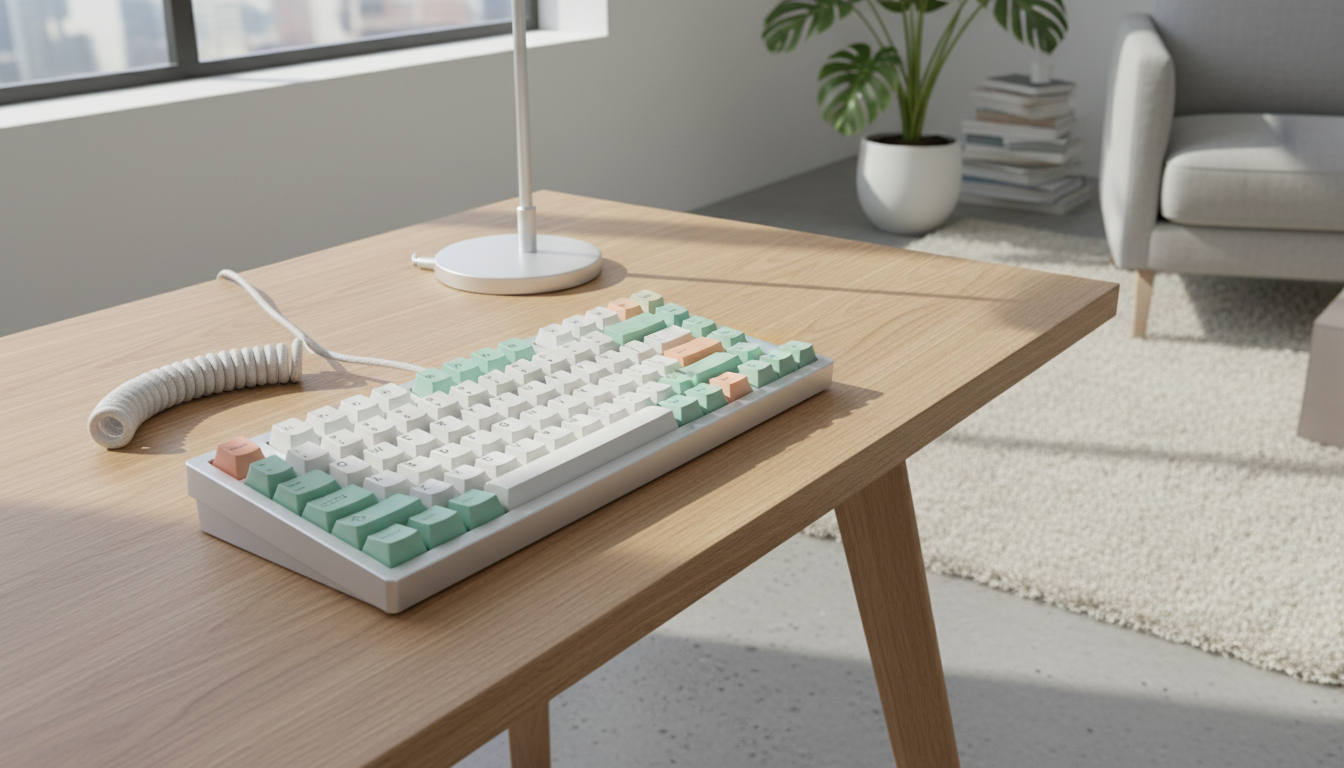
Beyond switches, consider the form factor and keycap material. Form factors range from full-size (104/108 keys with a numpad) to tenkeyless (TKL, no numpad), 75%, 65%, and even 60% (highly compact, omitting function row and arrow keys). The choice depends on desk space, portability needs, and whether you frequently use a numpad or dedicated function keys. Keycap material significantly impacts durability and feel. ABS plastic keycaps are common but can develop a shine over time. PBT plastic keycaps are more durable, resistant to shine, and often have a textured feel that many users prefer. Double-shot PBT keycaps, where two layers of plastic are molded together, ensure legends never fade. Finally, build quality and connectivity options are crucial. A robust chassis, often aluminum or thick plastic, contributes to stability and longevity. Connectivity can be wired (USB-C is prevalent), wireless (Bluetooth for convenience, 2.4GHz for lower latency), or hot-swappable (allowing users to change switches without soldering). Recurring feedback often praises keyboards with solid construction and versatile connectivity.
The Results: Top Mechanical Keyboards Worth Considering
Based on extensive product specifications and consistent positive user feedback, several categories of mechanical keyboards stand out for different user needs. For those seeking a versatile daily driver that balances typing comfort with gaming responsiveness, keyboards featuring tactile switches (like Cherry MX Brown or similar Gateron/Kailh equivalents) in a Tenkeyless (TKL) or 75% form factor frequently receive high marks. These often come with durable PBT keycaps and robust wired connectivity, offering a reliable and satisfying experience for a broad range of tasks. Many reputable brands offer excellent options in this segment. You can explore some highly-rated options by searching Check on Amazon">mechanical keyboards with tactile switches.
For the dedicated gamer, the focus shifts to speed and minimal resistance. Linear switches (such as Cherry MX Red, Speed Silver, or their Gateron/Kailh counterparts) are the preferred choice, often paired with a compact form factor like 60% or 65% to maximize mouse movement space. Features like high polling rates, N-key rollover, and customizable RGB lighting are also highly valued by the gaming community. Wireless options with low-latency 2.4GHz connections are also becoming increasingly popular. To find keyboards tailored for gaming performance, consider searching Check on Amazon">gaming mechanical keyboards linear switches.
Finally, for professionals or enthusiasts who prioritize the typing experience above all else, keyboards with clicky switches (like Cherry MX Blue) or those offering advanced customization like hot-swappable switches are often recommended. These users frequently appreciate premium keycap sets, sophisticated RGB lighting effects, and programmable macros for enhanced productivity. Ergonomic considerations, such as adjustable feet and wrist rests, also play a role. For those looking for a premium typing experience with customization options, a good starting point is Check on Amazon">customizable mechanical keyboards hot-swappable.
Common Buying Mistakes
One of the most common mistakes buyers make is choosing a switch type solely based on online recommendations without considering their personal preferences or environment. A clicky switch, while satisfying for some, can be disruptive in an open office or late-night gaming session. Conversely, a linear switch might feel too "mushy" for someone who thrives on tactile feedback. Always consider how and where you'll be using the keyboard. Another frequent error is overlooking the importance of build quality and keycap material. Opting for the cheapest option often means compromising on durability, leading to wobbly keys, a flimsy chassis, and legends that fade quickly. Investing a little more in a keyboard with a solid build and quality PBT keycaps can significantly extend its lifespan and maintain its aesthetic appeal.
Lastly, many new buyers underestimate the learning curve associated with smaller form factors (like 60% or 65%). While compact keyboards save desk space, they often require extensive use of function layers to access keys typically found on a full-size board. This can initially slow down typing speed and productivity for users accustomed to dedicated keys. Evaluate your reliance on the numpad, arrow keys, and function row before committing to a highly compact layout.
Final Verdict
Choosing the best mechanical keyboard is a personal journey, heavily dependent on individual preferences for feel, sound, form factor, and intended use. By understanding the nuances of switch types, keycap materials, build quality, and connectivity, you can make an informed decision that elevates your daily computing experience. Don't rush the process; consider what truly matters to you in a keyboard. For a wide selection and to compare various models based on these criteria, begin your search today: Check on Amazon">Explore Mechanical Keyboards on Amazon.