Find the best mechanical keyboard for your typing needs
By the BetteReview editorial team · October 12, 2026
As an Amazon Associate, BetteReview earns from qualifying purchases. This doesn't change the price you pay.
Why Choosing the Right Mechanical Keyboards
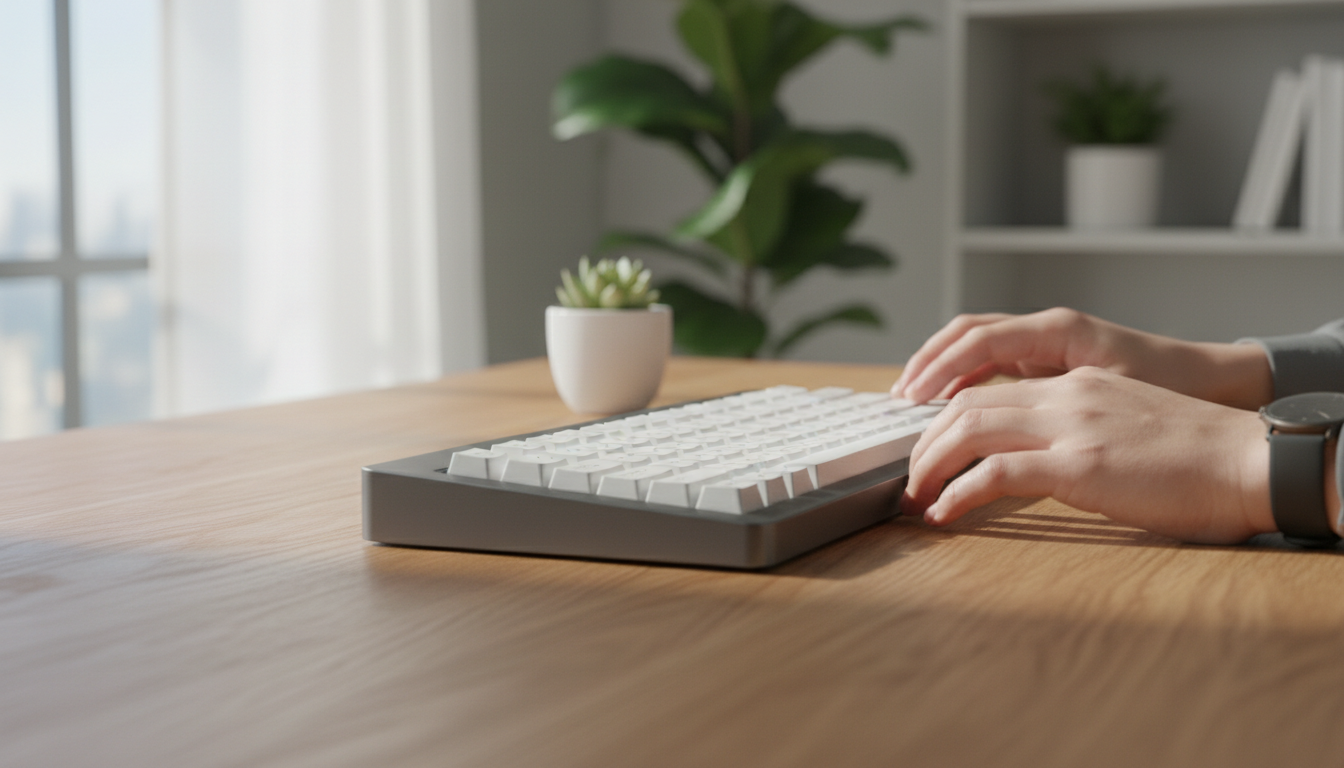
The keyboard is often an overlooked component of a computer setup, yet it's the primary interface through which we interact with our digital world. For many, the standard membrane keyboard that comes bundled with a PC or laptop provides a squishy, inconsistent typing experience that can lead to fatigue and reduced efficiency. If you spend hours typing, coding, gaming, or simply navigating your computer, the quality of your keyboard has a profound impact on your comfort, speed, and even long-term wrist health.
Mechanical keyboards offer a distinct advantage over their membrane counterparts by using individual switches under each keycap. This design provides superior tactile feedback, audible clicks (depending on the switch type), and a more durable, responsive feel. The difference is often described as night and day by users who make the switch, reporting a more engaging and less fatiguing typing experience. But with countless options available, understanding the nuances is key to making an informed decision that truly elevates your daily interactions.
What to Look For
When selecting the best mechanical keyboard, several critical factors based on product specifications and consistent buyer feedback stand out. The first and arguably most important is the switch type. Mechanical switches come in three main categories: linear, tactile, and clicky. Linear switches (e.g., Cherry MX Red, Gateron Yellow) offer a smooth, consistent keystroke without a tactile bump or audible click, often favored by gamers for rapid key presses. Tactile switches (e.g., Cherry MX Brown, Gateron Brown) provide a noticeable bump halfway through the keypress, signaling actuation without an accompanying click, making them popular for typists who appreciate feedback. Clicky switches (e.g., Cherry MX Blue, Gateron Blue) combine the tactile bump with an audible click, offering the most feedback and often preferred by those who enjoy the classic typewriter feel.
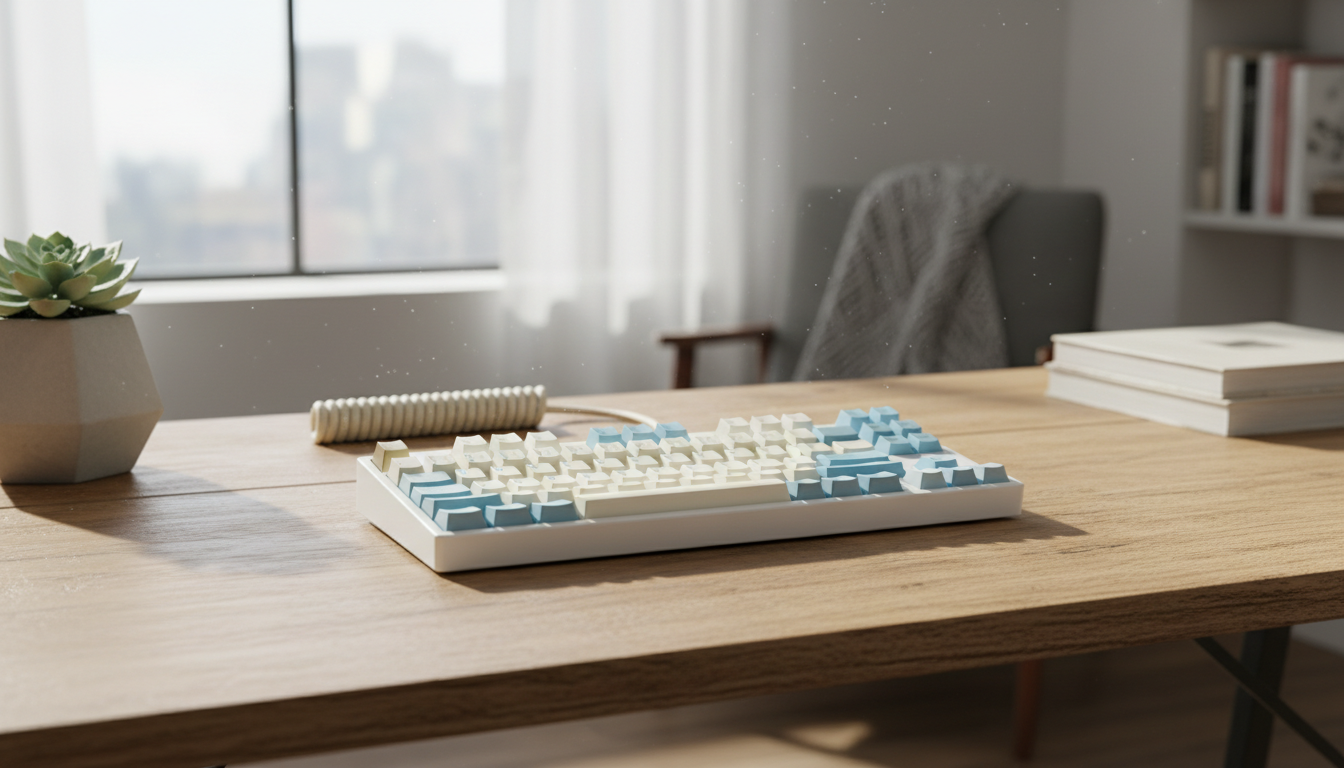
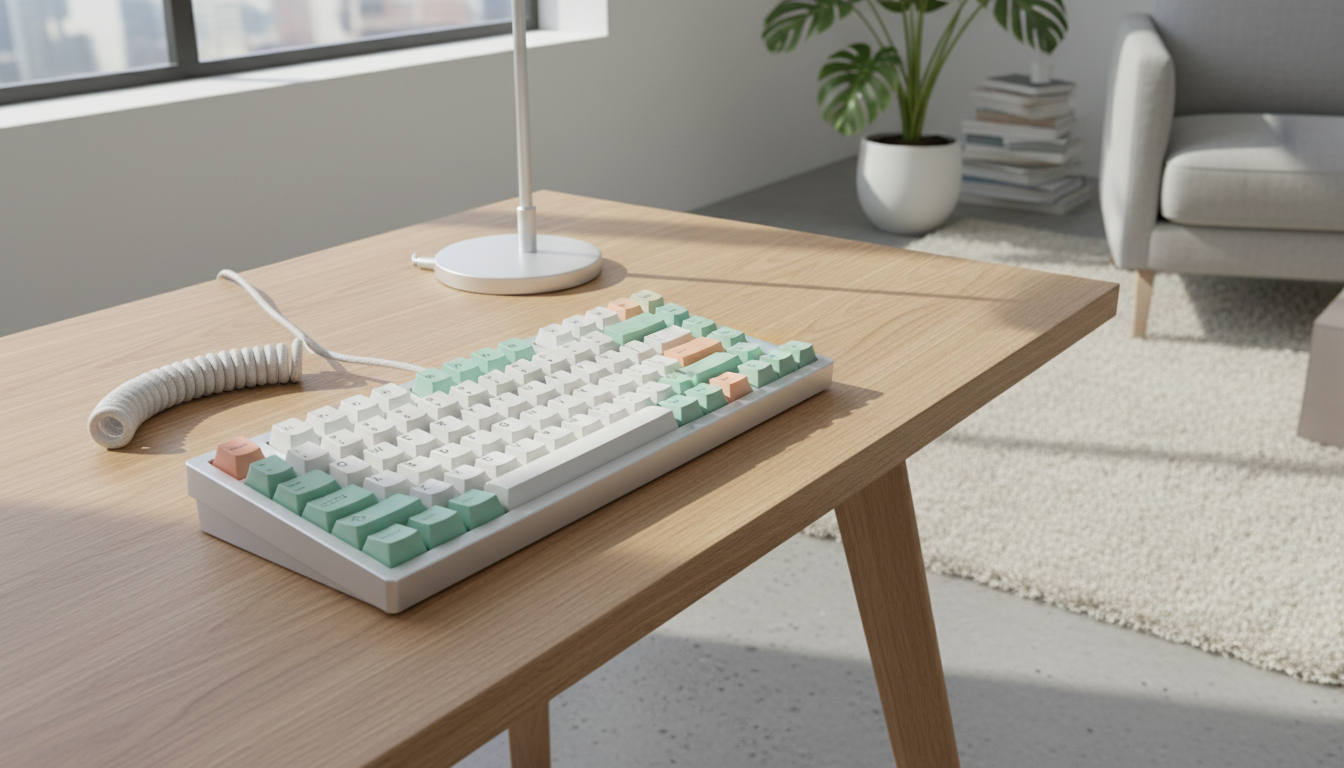
Beyond switches, consider the form factor and connectivity. Keyboards range from full-size (104/108 keys with a numpad) to tenkeyless (TKL, 87 keys without numpad), 75%, 65%, and even 60% layouts. Your choice depends on desk space and whether you frequently use a numpad or dedicated function keys. Connectivity options include wired (USB-A, USB-C) for reliability and minimal latency, or wireless (Bluetooth, 2.4GHz dongle) for a clutter-free setup, with many modern keyboards offering both. Additionally, look into keycap material and legends. ABS keycaps are common but can develop a shine over time, while PBT keycaps are more durable and resistant to oils. The legends (letters/symbols) can be laser-etched, dye-sublimated, or doubleshot, with doubleshot being the most durable as the legend is a separate piece of plastic molded into the keycap. Finally, build quality and features like a robust case (aluminum or thick plastic), hot-swappable switches (allowing you to change switches without soldering), and customizable RGB lighting can significantly impact user satisfaction and longevity.
The Results: Top Mechanical Keyboards Worth Considering
Based on extensive product specifications and recurring positive feedback from users across various platforms, certain types of mechanical keyboards consistently deliver on their promises. For those seeking a versatile option that balances typing comfort with gaming responsiveness, keyboards featuring **tactile switches** (like Cherry MX Brown or similar alternatives) in a TKL or 75% layout are frequently highlighted. Users often praise the balance of feedback without excessive noise, making them suitable for both office environments and home use. These models often come with sturdy build quality, PBT keycaps, and reliable wired connectivity, offering a solid all-around experience. For examples of popular models that fit this description, you can start your search at Check on Amazon">Amazon's mechanical keyboard selection.
For dedicated gamers, the consensus often points towards keyboards equipped with **linear switches** and a focus on low latency and rapid actuation. Many preferred models feature hot-swappable switches, allowing gamers to experiment with different linear switch types (e.g., speed switches) for optimal performance. RGB backlighting with extensive customization options is also a common request, not just for aesthetics but also for highlighting in-game keybinds. Wireless options with low-latency 2.4GHz connectivity are also gaining traction for their convenience without sacrificing performance. When exploring these high-performance options, a good starting point for your research would be Check on Amazon">Amazon's gaming mechanical keyboard offerings.
For users prioritizing a premium typing experience, often for professional writing or coding, keyboards with **clicky switches** or higher-end tactile switches in a full-size or 75% layout are frequently recommended. These keyboards often emphasize robust construction, sometimes featuring aluminum frames, and offer advanced features like sound-dampening foam, pre-lubed switches, and high-quality doubleshot PBT keycaps. Bluetooth connectivity is often a desirable feature for multi-device pairing. Users consistently report increased typing enjoyment and reduced errors with these more refined options. To find keyboards designed for an elevated typing experience, consider browsing Check on Amazon">Amazon's premium mechanical keyboard range.
Common Buying Mistakes
One of the most common mistakes buyers make is neglecting to consider the switch type that best suits their personal preferences and usage patterns. Many first-time buyers simply pick a popular model without understanding the implications of linear, tactile, or clicky switches. A keyboard with clicky switches, while satisfying for some, might be disruptive in an open office environment, while linear switches might lack the feedback a typist desires. It's crucial to research switch characteristics or even try out switch testers if possible before committing.
Another frequent oversight is underestimating the importance of form factor. A full-size keyboard might seem like the default choice, but if you rarely use a numpad or need extra desk space, a TKL or even 60% keyboard could offer a more ergonomic and comfortable setup. Conversely, opting for a compact layout without realizing the need for dedicated function keys or a numpad can lead to frustration and a less efficient workflow. Finally, buyers sometimes overlook the build quality and keycap material, leading to keyboards that wear out quickly or develop an unpleasant shine. Investing a little more in durable materials like PBT keycaps and a sturdy chassis can significantly extend the lifespan and enjoyment of your mechanical keyboard.
Final Verdict
Choosing the best mechanical keyboard is a personal journey, deeply influenced by your specific needs—whether that's a silent, responsive gaming machine, a tactile typing companion for productivity, or a clicky, satisfying device for pure enjoyment. By focusing on switch type, form factor, connectivity, and build quality, you can navigate the vast market effectively. Investing in a quality mechanical keyboard is an investment in your comfort, efficiency, and overall computing experience. To begin your search for the perfect mechanical keyboard that aligns with your requirements and user feedback, we recommend exploring the extensive options available at Check on Amazon">Amazon's mechanical keyboard selection.
Updated daily | Best deals curated by BetteReview
As an Amazon Associate I earn from qualifying purchases. Prices and availability are subject to change.